
Entire Container Journey Stages in your Control
Every container that enters your depot follows a structured pipeline.
DepotLite captures data at every stage, triggers workflows,
generates documents, and maintains a complete audit trail
from gate-in to gate-out.
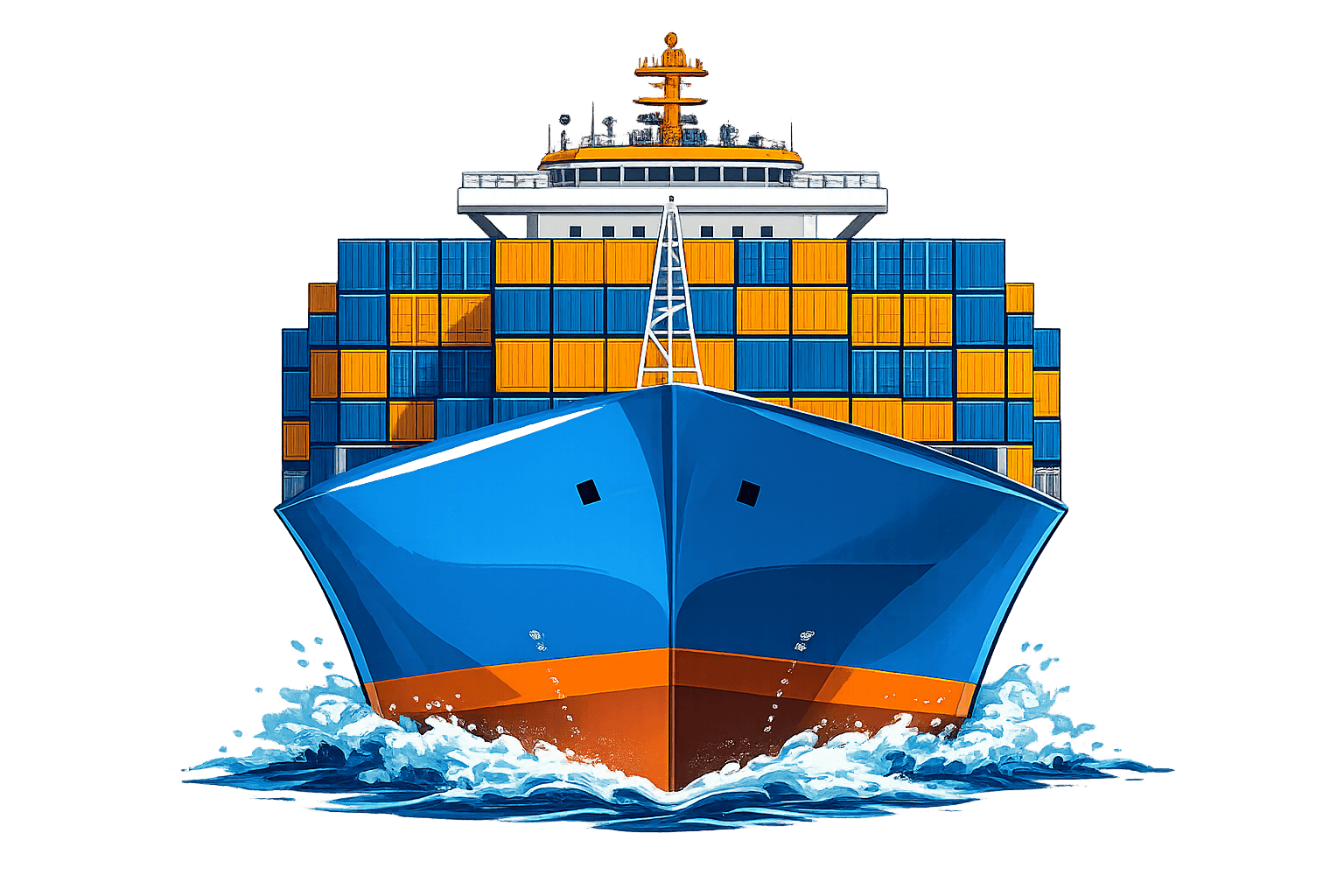
Gate In
The container journey begins at gate-in. The gate operator records the container's arrival with all relevant documentation, triggering the start of the depot lifecycle. A CODECO EDI message is automatically generated and queued for the shipping line.
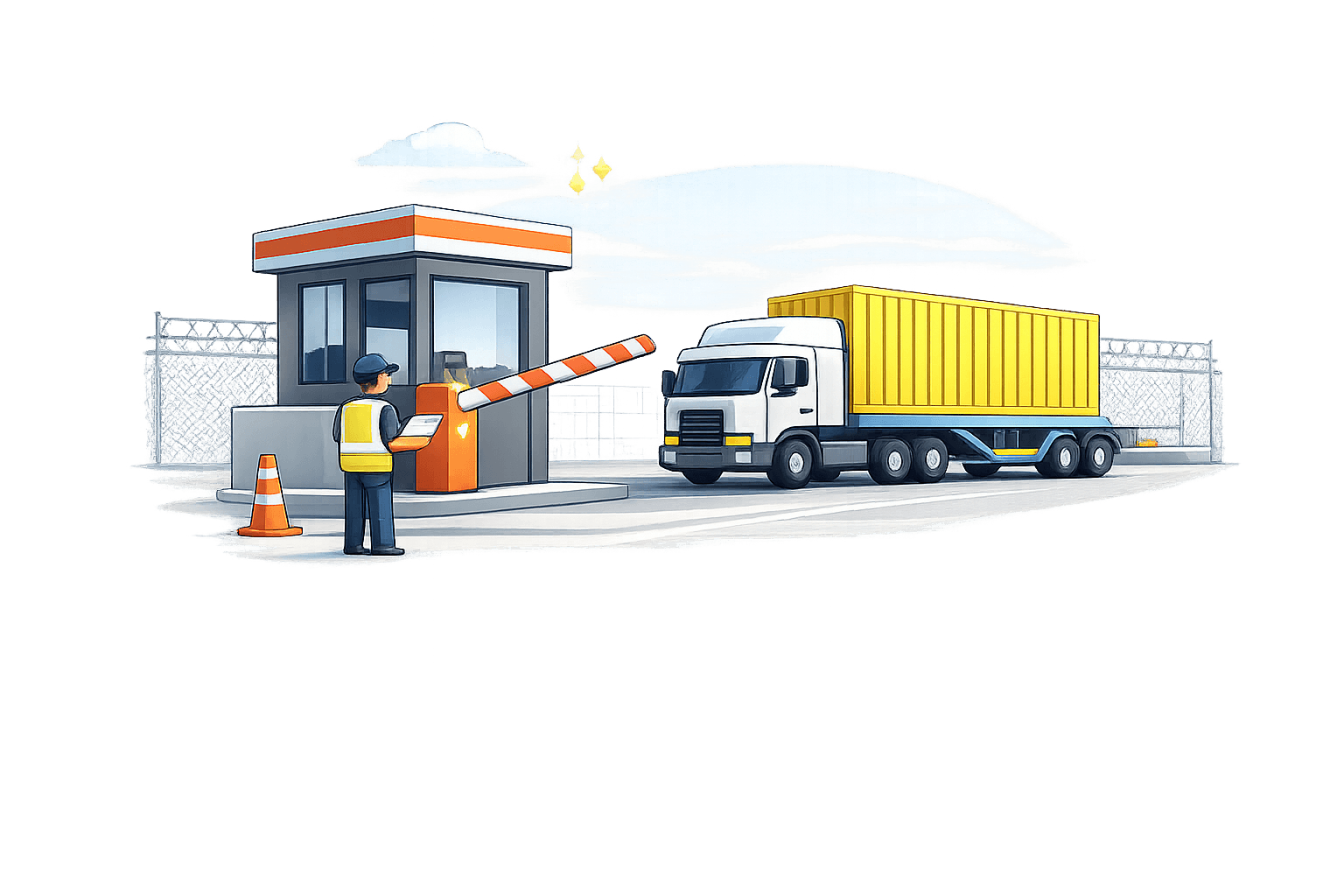
Data Points Captured
- Container number and ISO type code
- Shipping line and booking reference
- Vehicle and driver details (truck, trailer, license plate)
- Seal numbers (original and replacement)
- Gate-in date and time (auto-captured)
- Container condition grade (A, B, C, D)
- Inbound transport mode and origin
- Photographic evidence of container exterior
- CODECO EDI auto-generated for shipping line
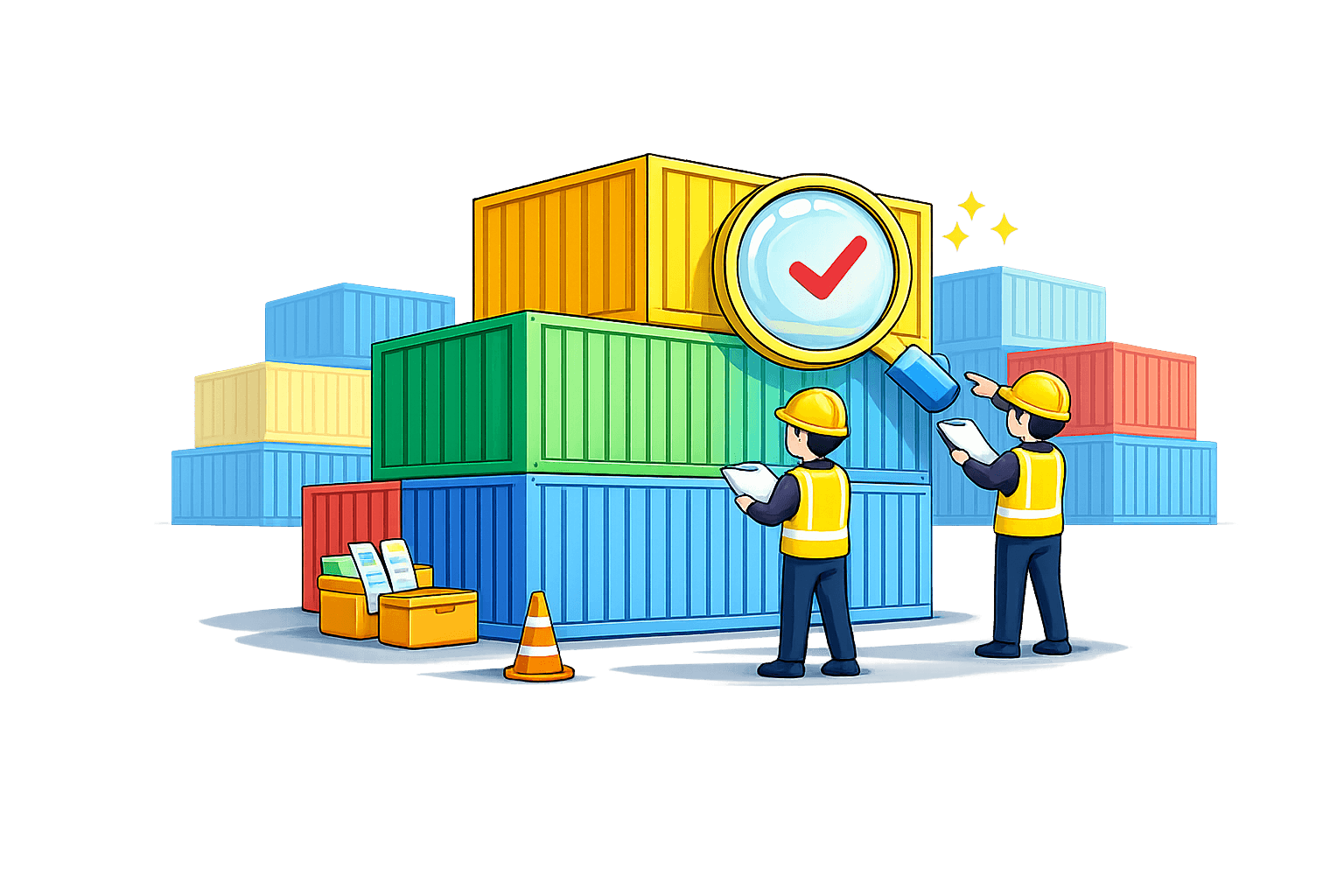
Survey In
A qualified surveyor conducts a detailed damage inspection of the container. Every damage is documented with photographic evidence, CEDEX component codes, and precise measurements. The survey determines the scope of work required for the container.
Data Points Captured
- Damage component identification with CEDEX codes
- Damage location mapping (panel, position, side)
- Photographic evidence for each damage item
- Damage dimensions (length, width, depth)
- Damage type classification (dent, hole, rust, etc.)
- Container grade assessment (pre and post survey)
- Interior and exterior inspection results
- Floor condition and cargo-worthiness assessment
- Refrigeration unit inspection (for reefer containers)
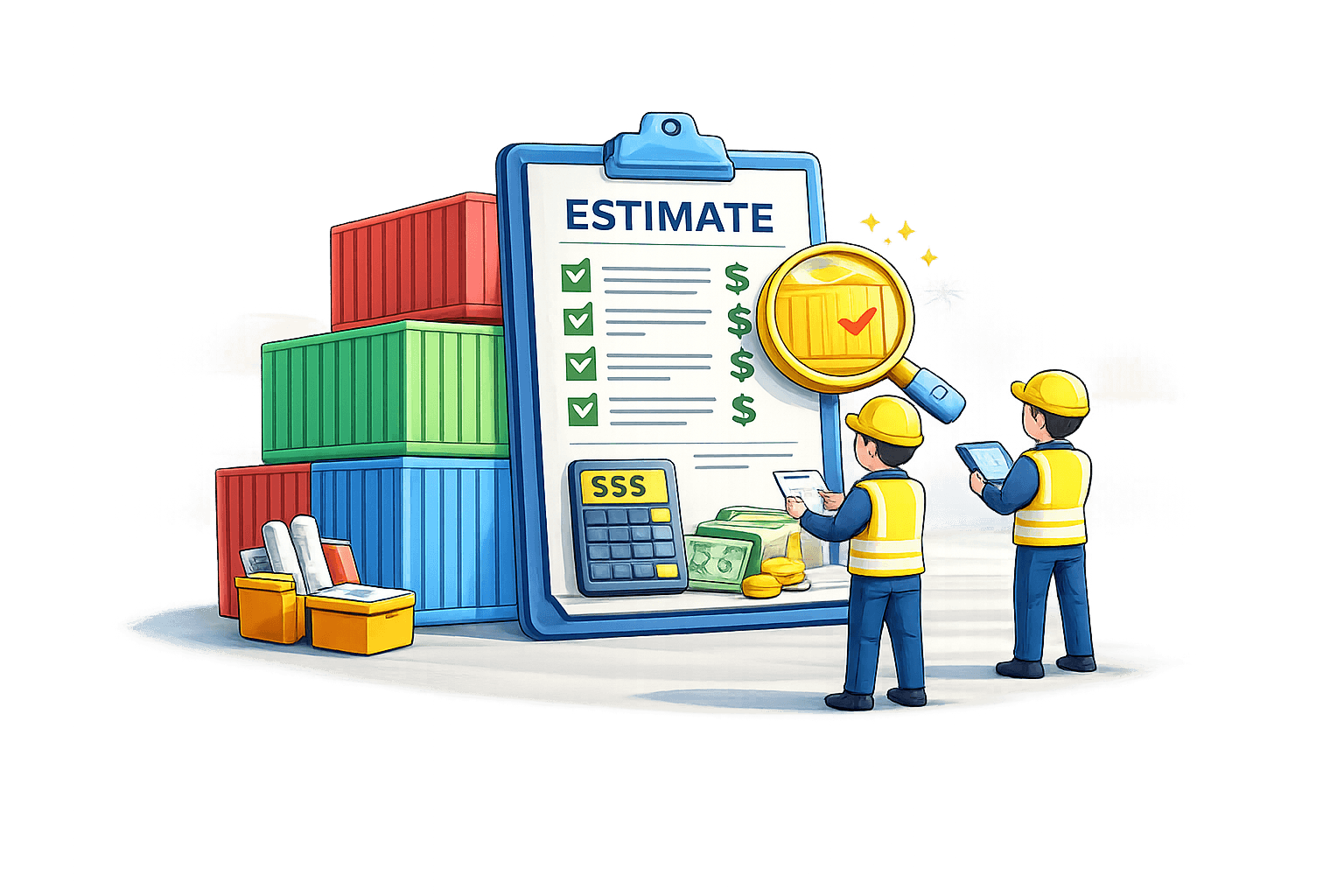
Estimation
Based on the survey findings, an estimator creates a detailed, line-by-line repair estimation. Each item references CEDEX component codes, repair methods, material costs, and labor hours. Rates are automatically applied from the shipping line's agreed tariff, ensuring accuracy.
Data Points Captured
- Line-item breakdown by damage component
- CEDEX repair codes and method codes
- Material specifications and quantities
- Labor hour estimates per repair item
- Rate auto-application from liner tariff
- Total cost calculation (material + labor)
- Photo references linked to each estimation line
- Comparison against historical repair costs
- Estimation submission timestamp and estimator ID
Approval
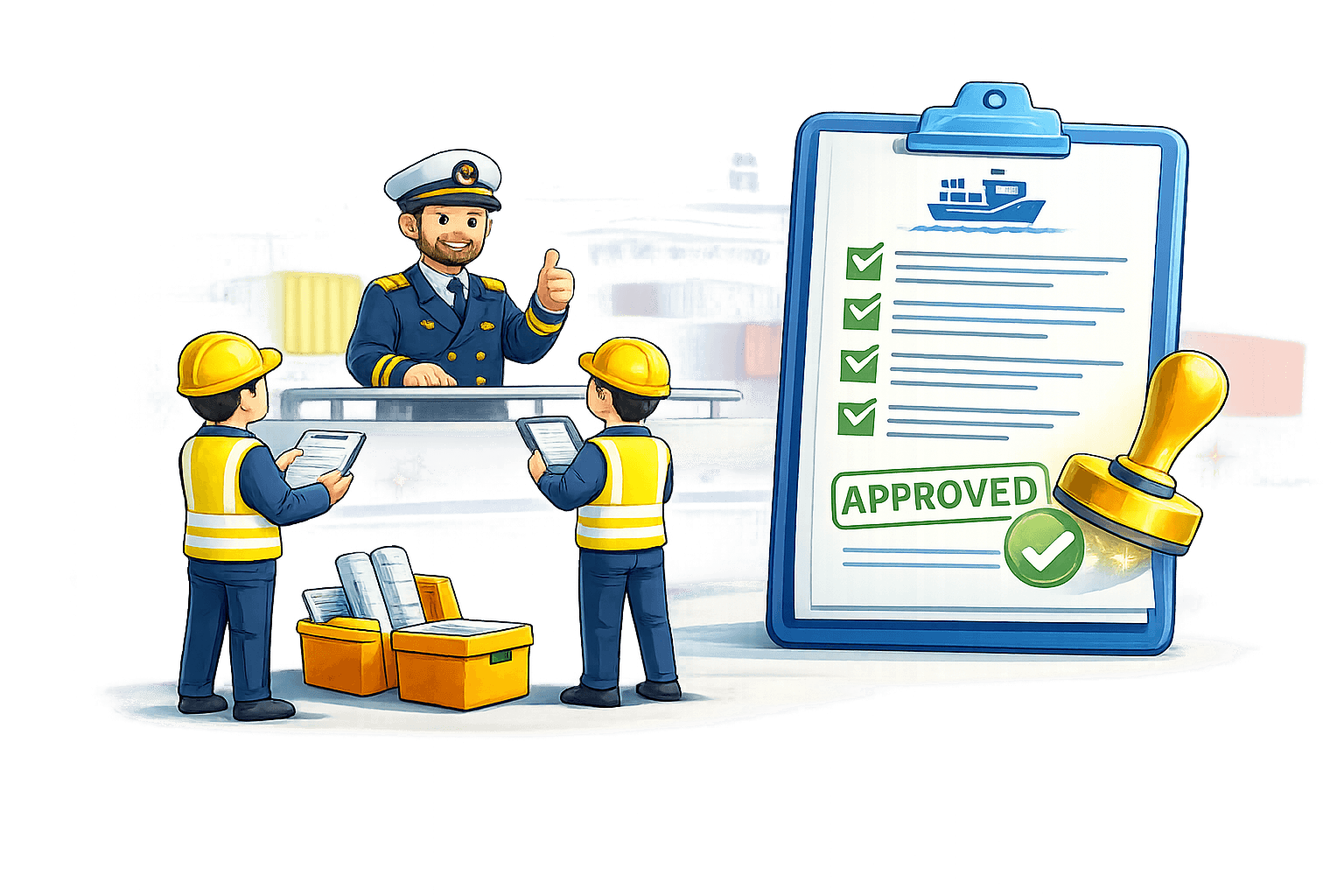
The shipping line reviews the estimation through the DepotLite portal. They can approve the full estimation, reject it, or partially approve by selecting individual line items. The decision is communicated instantly to the depot, eliminating email-based approval delays.
Data Points Captured
- Approval decision (approve, reject, partial)
- Per-line-item approval or rejection
- Approver identity and authorization level
- Approval timestamp and response time tracking
- Comments and notes from the approver
- Approved repair scope and authorized cost
- Rejection reasons (if applicable)
- Revision requests with specific feedback
- Notification sent to depot on decision
Repair
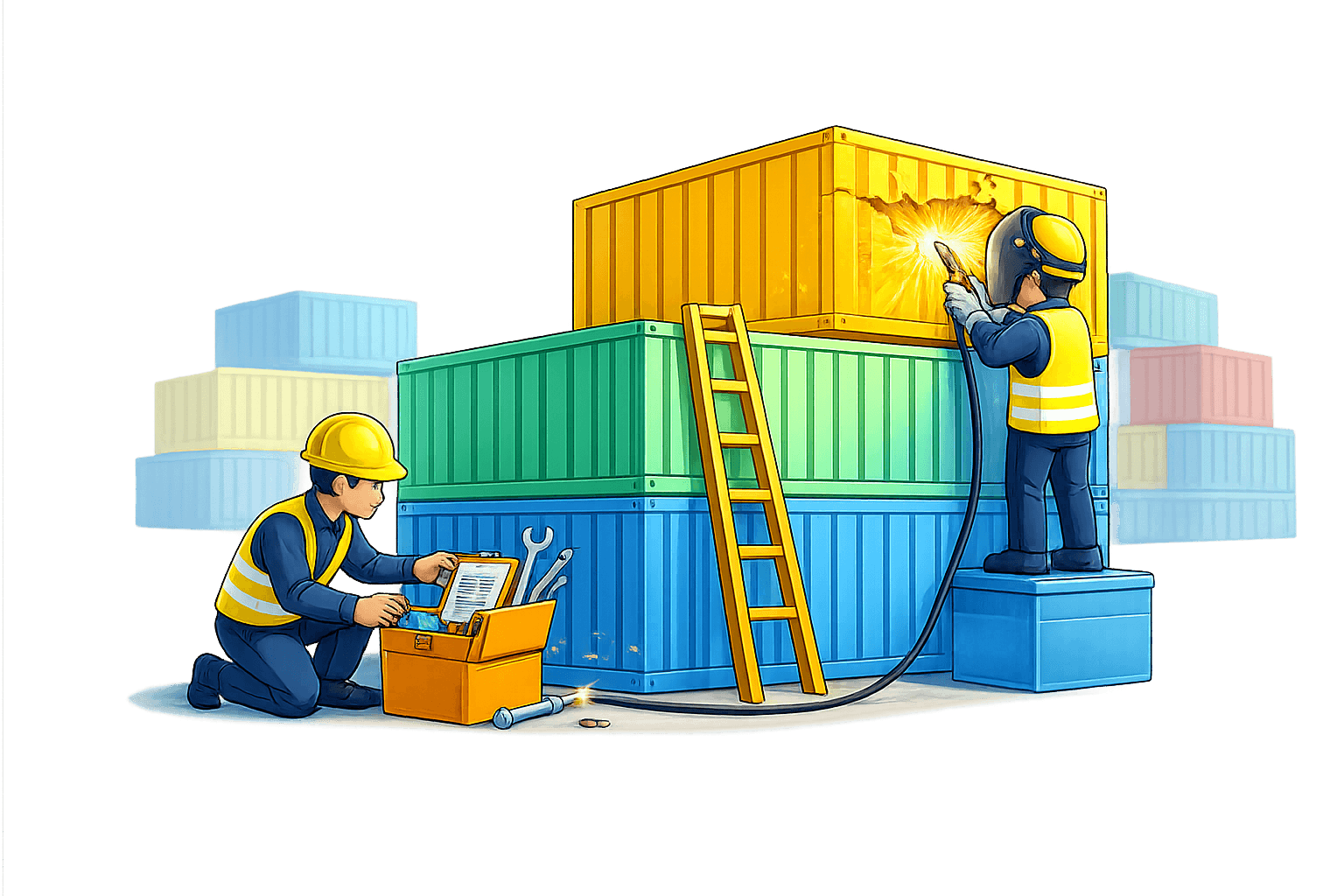
The workshop executes the approved repairs. The workshop manager assigns the work, tracks material consumption, and monitors progress. Each repair item is marked as completed individually, providing granular progress visibility to both the depot and the shipping line.
Data Points Captured
- Repair start date and time
- Assigned workshop team and technicians
- Material consumption per repair item
- Per-item completion status tracking
- Actual vs. estimated labor hours
- Quality checkpoints during repair
- Repair completion date and time
- Before and after photographic evidence
- Workshop manager sign-off on completion
Available
After repairs are complete and verified, the container is marked as available for release. It enters the available inventory pool, ready for gate-out booking by the shipping line. Storage charges begin to accrue based on the configured free days and slab rates.
Data Points Captured
- Available date and time
- Updated container grade (post-repair)
- Repair completion certificate reference
- Storage charge calculation start date
- Free days remaining per liner agreement
- Container location within the depot yard
- Availability notification to shipping line
- Pre-gate-out booking eligibility flag
- Outstanding invoice status check
Survey Out
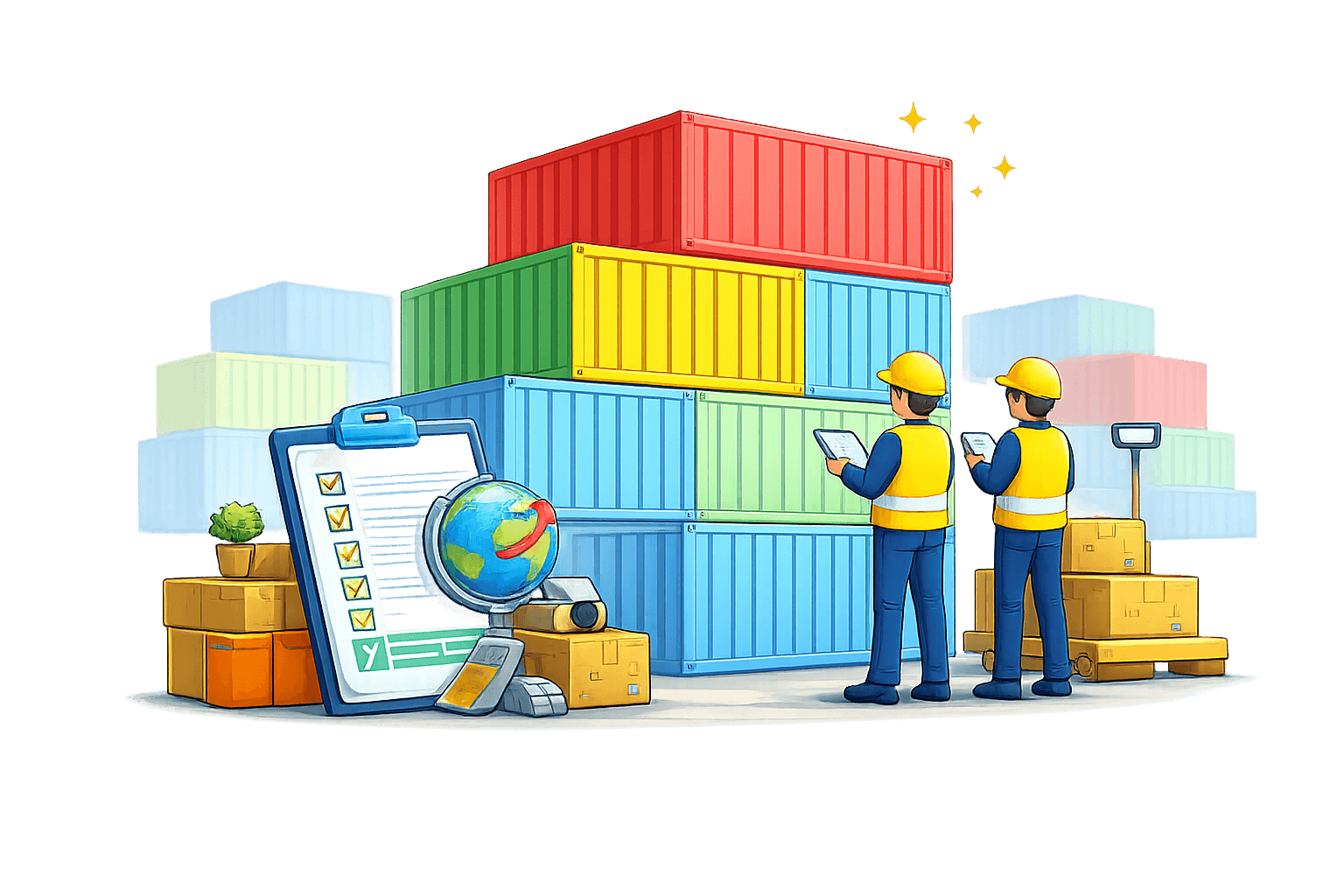
A final inspection survey is conducted before the container leaves the depot. This confirms that all approved repairs have been completed to standard and the container is in the agreed-upon condition. The survey out serves as a quality gate before release.
Data Points Captured
- Post-repair condition verification
- Confirmation of all repair items completed
- Final container grade assignment
- Cargo-worthiness certification
- Photographic evidence of repaired areas
- Surveyor sign-off and certification
- Comparison against original survey findings
- Any new damage discovered during inspection
- Release recommendation status
Gate Out
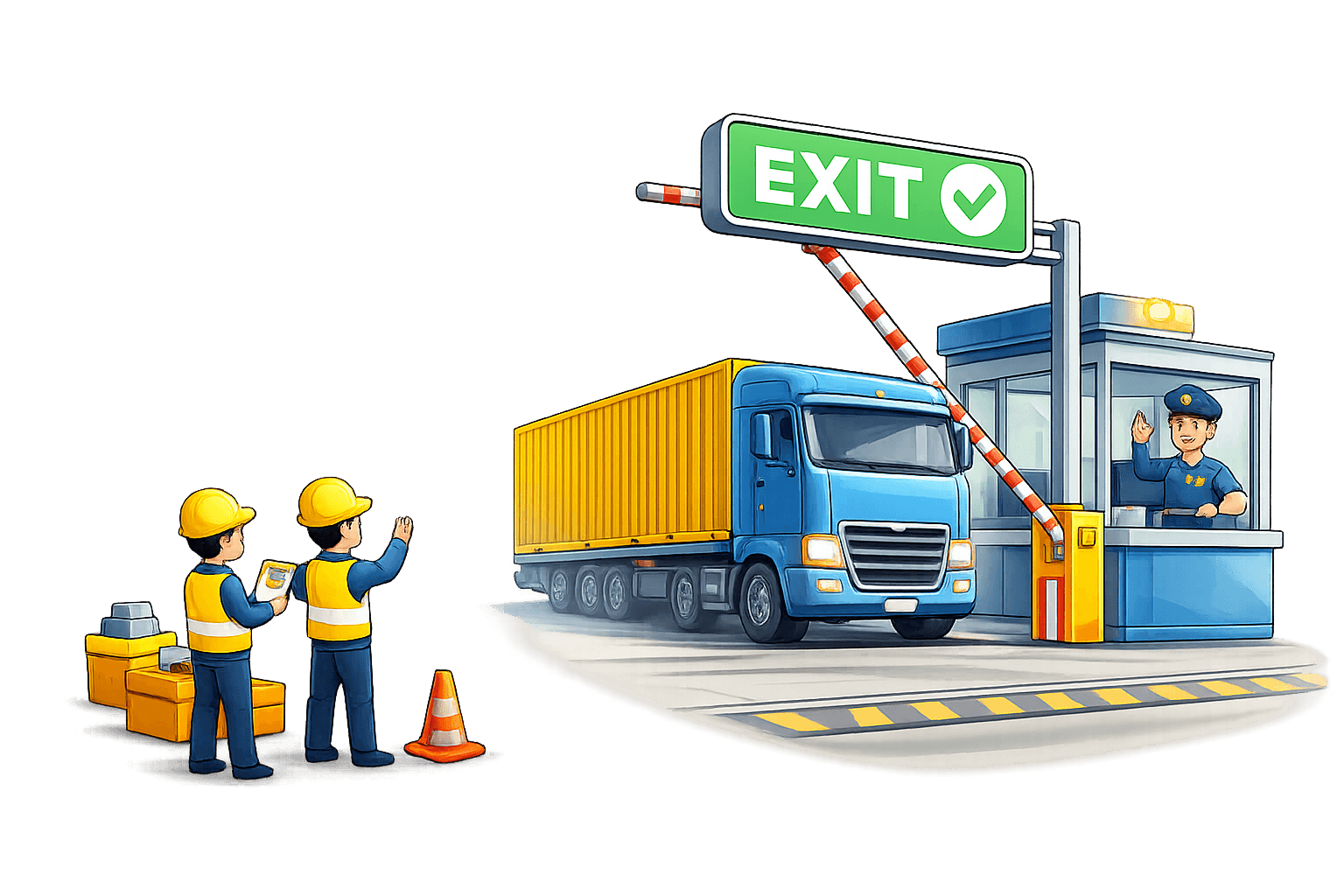
The container exits the depot. The gate operator verifies all documentation, checks for outstanding invoices, and processes the release. A gate-out CODECO EDI message is automatically generated and sent to the shipping line, completing the depot lifecycle.
Data Points Captured
- Gate-out date and time (auto-captured)
- Outbound vehicle and driver details
- New seal numbers applied
- Invoice status verification (all paid/cleared)
- Gate-out authorization confirmation
- CODECO EDI auto-generated for shipping line
- Complete container dwell time calculation
- Final storage charges applied
- Container released to next destination
Every Stage, Fully Managed
DepotLite does not just track containers — it actively manages the workflow at each stage, triggering actions, generating documents, and ensuring nothing falls through the cracks.
Photo Evidence
Every stage captures photographic documentation for accountability and dispute resolution.
Timestamped Actions
Every transition is timestamped with user identity for complete audit trail coverage.
Auto-Generated Docs
EDI files, reports, and invoices are generated automatically at relevant stages.
CEDEX Coding
Industry-standard CEDEX component and repair codes used throughout the pipeline.
See the Full Container Journey in Action
Request a demo to walk through every stage of the container lifecycle with your own data and workflows.